
Disbursing a check in ATWS/Cashbook
To disburse a check in the ATWS/Cashbook, you can disburse either an individual Cell or the column (Partial or Full Disbursement):
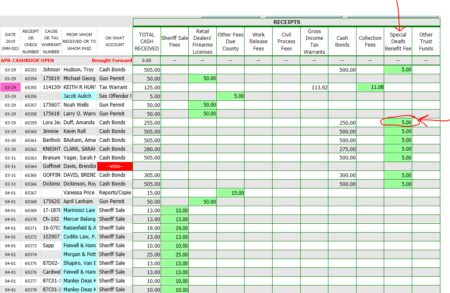
Column Disbursement:
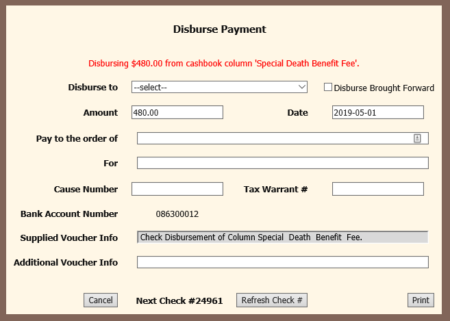
Cell Disbursement:
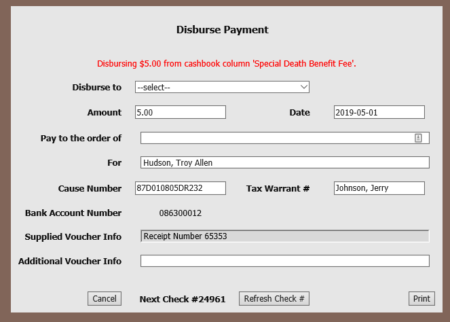
The following PDF is created. THIS IS NOT THE ACTUAL CHECK. You can save it locally for your records.
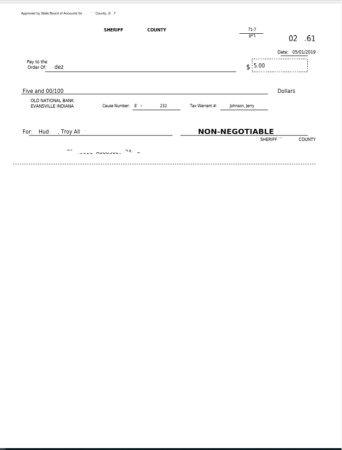
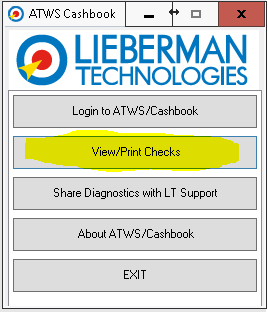
To print the check, return to the ATWS Cashbook Menu and select the “view/Print Checks” button:
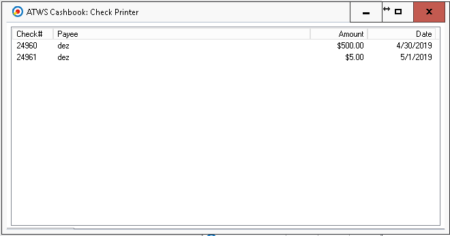
The following screen will be displayed:
Selecting the check to print will open a PDF like the following:
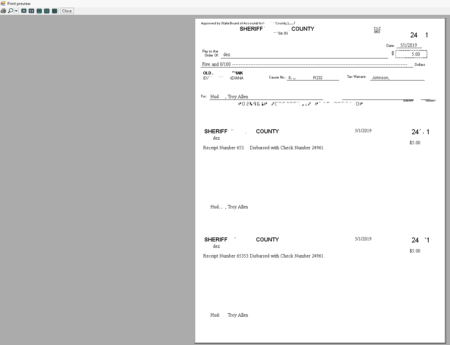
Click the printer icon in the top left corner and the check will print on the assigned check printer.